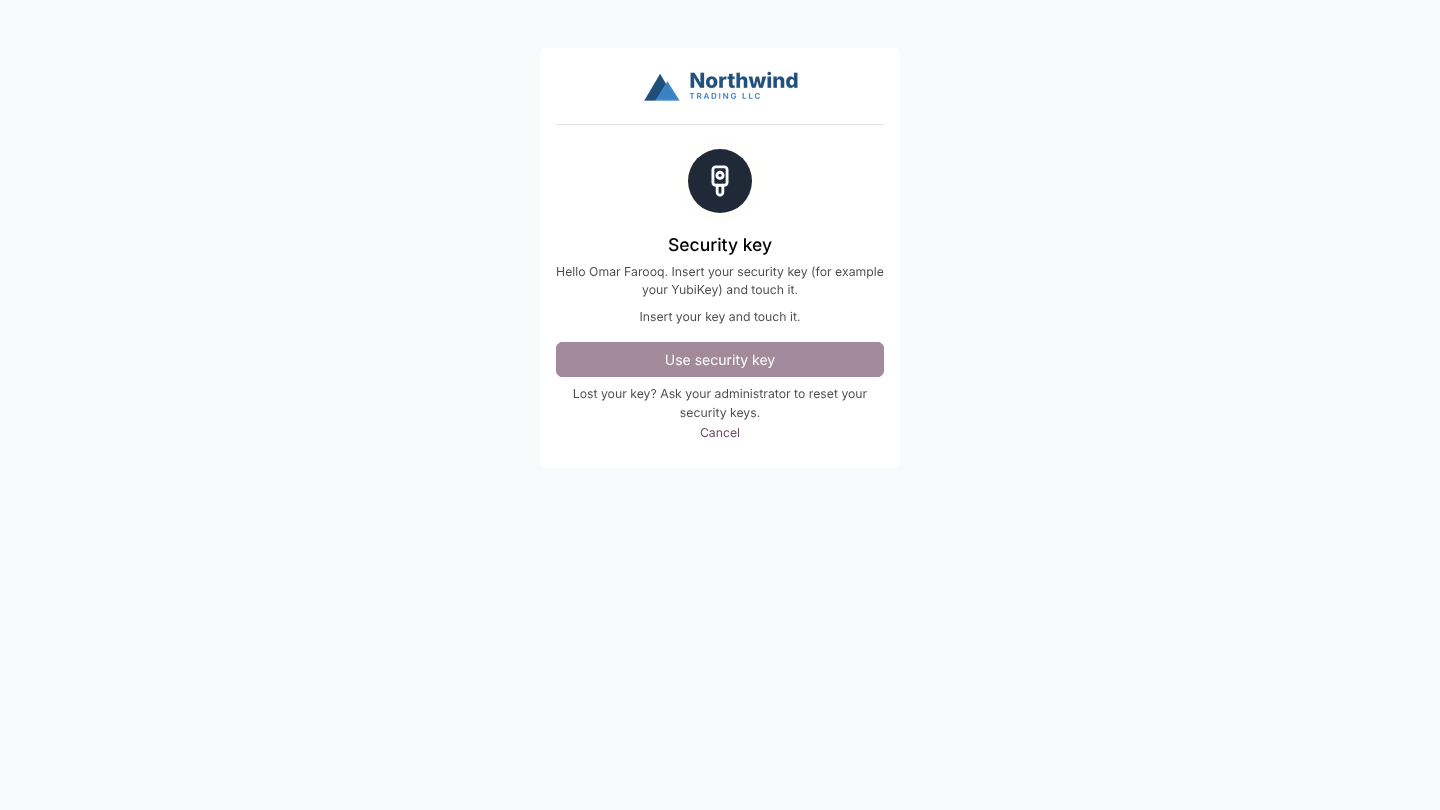
After the password, Odoo asks for a touch of the user’s YubiKey or other FIDO2 security key. A stolen password is no longer enough, and a fake login page cannot pass the key check, because the key signs only for your Odoo address. Each user adds their own keys in a minute.
SecureKey 2FA Pro makes keys required for chosen groups or all internal users, asks for one touch before risky actions (posting invoices, confirming payments, changing bank accounts, user rights or Settings), and lets two administrators handle lost keys together.
Odoo 17.0 - 20.0 Community and Enterprise
See it in two minutes
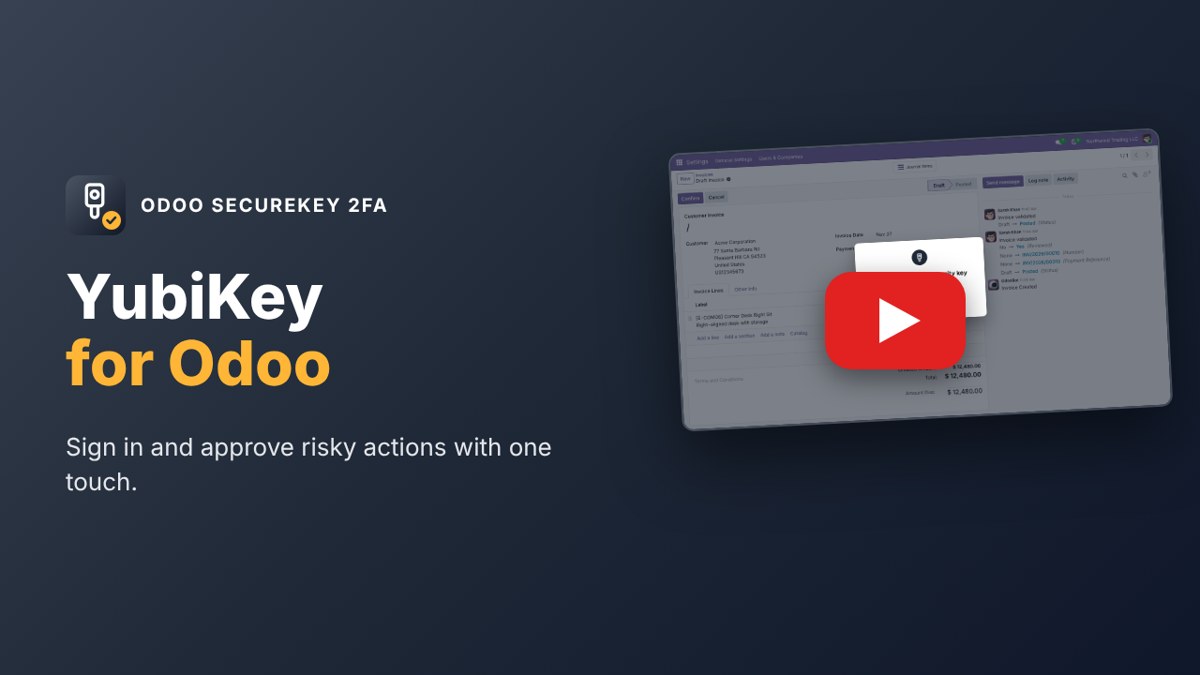
Watch the demo on YouTube: adding a YubiKey, signing in with it, and the Pro features: required keys, one-touch approvals and two-administrator recovery.
Free and Pro
| Free | Pro | |
|---|---|---|
| Second sign-in step with a YubiKey, FIDO2 key or passkey | ✓ | ✓ |
| Checks done by python-fido2, the library from Yubico | ✓ | ✓ |
| Verified badge for genuine YubiKeys | ✓ | ✓ |
| Touch only, or touch and PIN / fingerprint | ✓ | ✓ |
| Key page for each user, key log for administrators | ✓ | ✓ |
| Password XML-RPC / JSON-RPC refused for users with a key | ✓ | ✓ |
| Required keys for groups or all internal users, with a start date | ✓ | |
| First key at sign-in with an email code | ✓ | |
| Accepted keys: any, verified YubiKeys only, or chosen models | ✓ | |
| Protected actions approved with one touch | ✓ | |
| Two-administrator recovery | ✓ | |
| Approvals list | ✓ |
- Free app: novator_securekey on the Apps Store
- Pro: novator_securekey_pro on the Apps Store ($149, one-time)
Which keys work
- YubiKey 5 Series (USB-A, USB-C, Nano, NFC, Lightning), YubiKey Bio, Security Key by Yubico.
- Other FIDO2 security keys.
- Passkeys on phones and computers (Google Password Manager, iCloud Keychain, Windows Hello). They show as Synced passkey; Pro can refuse them.
Next steps
- Install the app.
- Set it up and add the first key.
- How users sign in and manage keys.
- Pro: required keys, approvals and recovery.
Odoo is a trademark of Odoo S.A. SecureKeys, SecureKey 2FA and Action Approvals are independent products by Novator Technologies. They are not official Odoo products and are not endorsed or supported by Odoo S.A. Trademark notice.